Read your own interval or bill CSV, check its coverage, then compare it with a daily plan. File contents stay in this browser. Saving a project summary or downloading a copy is your choice.
1 · CHOOSE YOUR RECORDS
A local file, with its meaning attached.
Supported: UTF-8 CSV or tab-separated text with a header, start, end and numeric value columns. Choose the separator and map your column names. Up to 10 MiB / 100,000 rows / ten years per analysis. PDF bills, screenshots, spreadsheets, Green Button XML, cumulative meter counters and instantaneous power samples need conversion to the documented format first.
Enable JavaScript to read a local file. Format notes, samples and integration documentation remain available below.
Illustrative samples: interval CSV · bill CSV. The interval sample includes a 23-hour Chicago daylight-saving day. These are made-up records, not measurements from a home.
Coverage before conclusions.
No customer records have been analyzed.
3 · COMPARE LIKE WITH LIKE
How does the daily plan compare?
A utility import total can differ from actual home consumption when solar, storage or export sits behind the meter. A critical-load plan can cover only part of a home. Confirm the loads, boundary and period before comparing. These records alone do not establish savings, battery power capability or heating/cooling loads.
OPTIONAL · KEEP A PRIVATE SUMMARY
Keep the evidence with your project.
Project summaries include private file metadata, coverage, daily/period totals, assumptions and notes. Original CSV contents are not stored with the project; retain your source file to reanalyze it. JSON exports include private data. Printable briefs omit consumption details unless you select personal details. Clearing this page does not delete a previously saved project.
Nothing saved from this page.
MONITORING & CONTROLLER REFERENCES
Know what is connected.
Documented integration paths for the exact catalog references below. This workspace imports files only: it does not connect to a device or vendor, collect credentials or dispatch a home system. Configure external integrations in your own controller after reviewing the official documentation, equipment ratings and installation needs. Names and logos identify documentation; they do not imply endorsement.
Local Bluetooth · local push
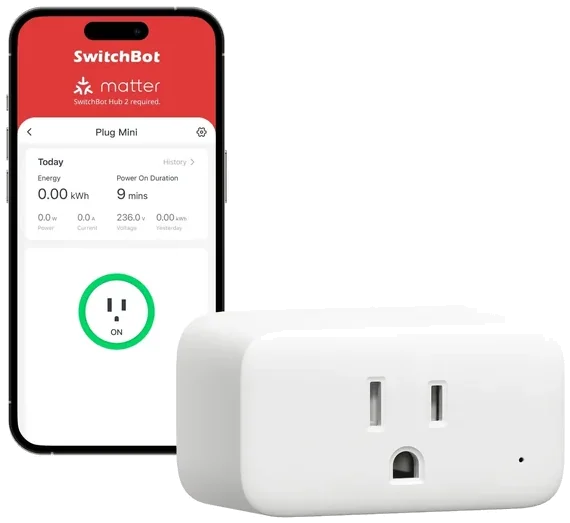
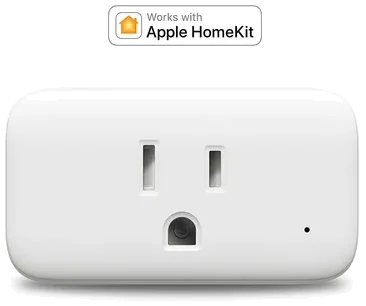
SwitchBot Plug Mini · Home Assistant Bluetooth
The integration documents on/off and power-consumption readings for Plug Mini and lists both WoPlug and the HomeKit-enabled variant. Verify the exposed entities and units on the actual hardware/firmware.
What the connection needs
A working Home Assistant Bluetooth adapter or supported Bluetooth setup, and the device within range. A SwitchBot Hub is not required for this integration. Some setup modes/devices require the SwitchBot app or account.
Scope and limits
This is an appliance plug, not whole-home metering. Power readings are not automatically interval energy. The supported-device list is separate from Home Assistant certification; these references do not claim certification, circuit suitability or compatibility with other regional models.
Captured 2026-11-08T03:22:16.890879+00:00 · SHA-256 a5e2c6af8971a8fb340f51f8b4e503a3f15ca18be360ddf6fb2fbdaa7a8f38f4. Device names are reviewed references, not a promise for other variants or future firmware.
Vendor cloud · account credentials in your controller
SwitchBot Plug Mini · Home Assistant Cloud
The integration lists Plug Mini and Plug Mini (HomeKit Enabled), with switching and power-consumption readings. Check whether the actual entity is power or accumulated energy before preparing a CSV.
What the connection needs
The official prerequisites call for a SwitchBot Hub, a SwitchBot account, and a developer token/secret configured in Home Assistant. Internet and vendor service availability apply.
Scope and limits
Cloud and Bluetooth are different connection paths. This site does not connect to either, request a token or dispatch commands. Do not assume an energy reading is an interval total, or that every regional/firmware variant exposes the same entities.
Captured 2026-11-08T03:22:17.065499+00:00 · SHA-256 f3720644c437399842e75c50519d6953881b7faa34edd7fedc78a9609f8ad340. Device names are reviewed references, not a promise for other variants or future firmware.
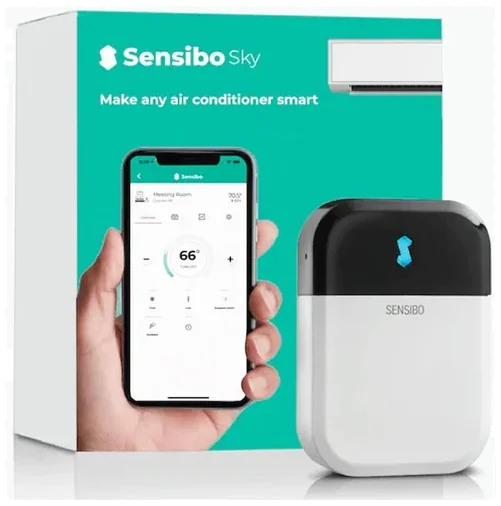
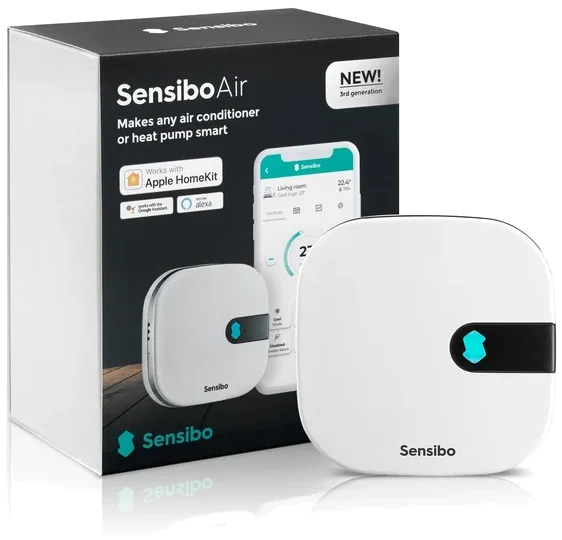
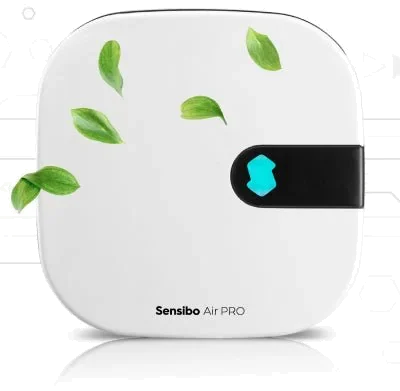
The official integration explicitly supports Sky, Air and Air Pro, with a climate entity and device-dependent functions. A configured remote is needed for usable HVAC modes.
What the connection needs
A Sensibo API key configured in the visitor’s own Home Assistant installation, working internet, and the Sensibo API. The documentation states polling once per minute.
Scope and limits
Climate commands and environmental readings do not establish measured HVAC electrical consumption or savings. Pair an appropriate separate energy measurement with its own scope. This site provides documentation only; it does not collect credentials, send HVAC commands or establish safe control of an installed system.
Captured 2026-11-08T03:22:17.242222+00:00 · SHA-256 dbfbada2a78f145703954933397675050c16b616609281d2a7cc0e9230fde188. Device names are reviewed references, not a promise for other variants or future firmware.